
What kinds of prompts work best?
The best prompts explain the intended asset, subject, composition, lighting, materials, any required text, and the final use case.
Use one clear brief to generate campaign concepts, product renders, posters, explainers, and interface mockups without jumping between separate creative tools.
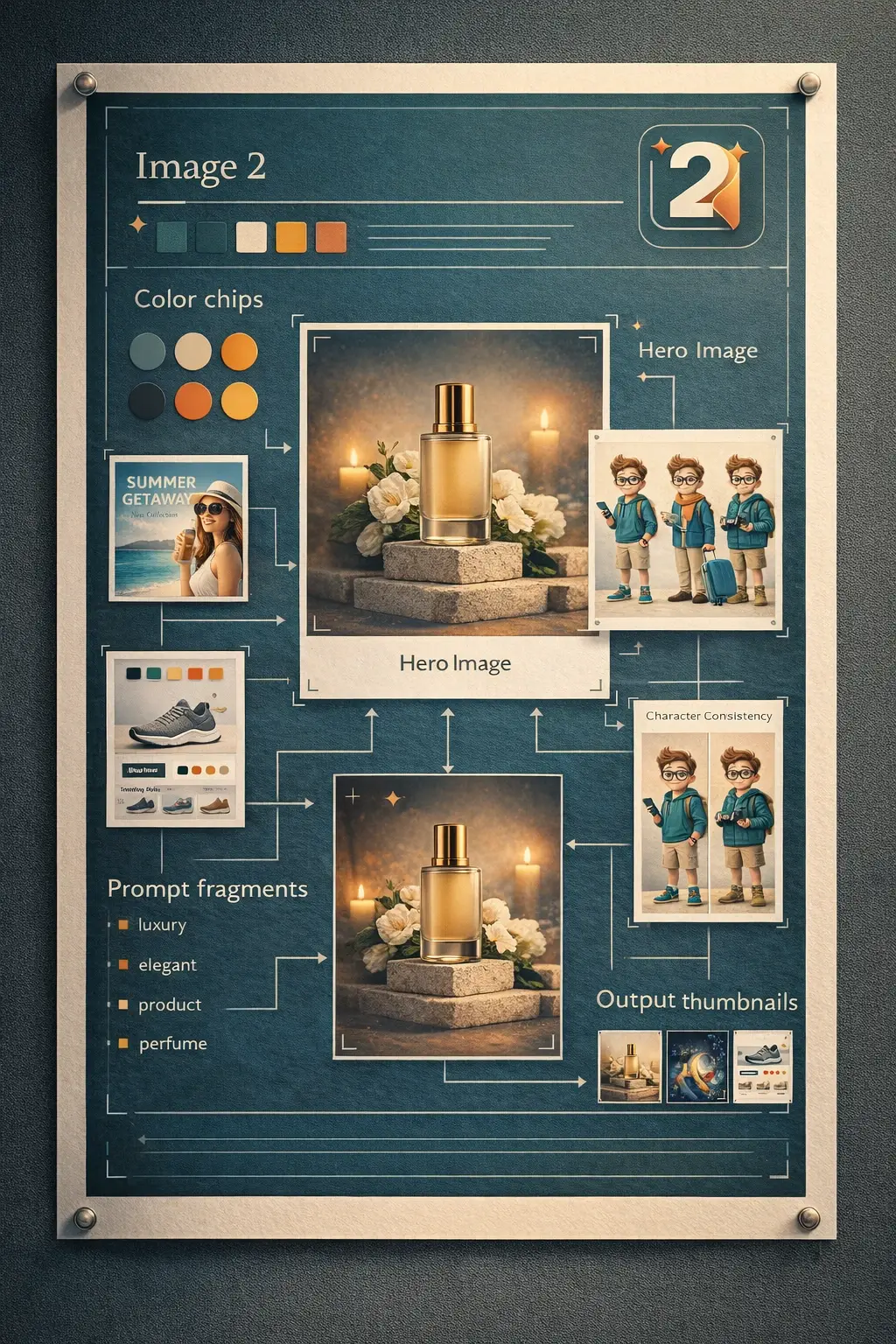
Use one clear brief to generate campaign concepts, product renders, posters, explainers, and interface mockups without jumping between separate creative tools.
Describe the outcome you need, the channel, the subject, and any text or layout constraints in plain English.
Text-to-image is strongest when the prompt includes subject, composition, lighting, materials, and copy requirements together.
Generate a first draft quickly, then refine the prompt or switch into edit mode for localized improvements.
The fastest path is to explain the goal, add the visual constraints that matter, and refine only what needs changing.
Explain what the asset is for: a product page, launch poster, explainer, social ad, deck visual, or interface concept.
Specify aspect ratio, subject placement, lighting, materials, text areas, and export size so the draft fits the channel.
Create the first version, spot what needs improvement, then tighten the prompt or continue with localized edits.
Answers to the most common questions about using GPT Image 2 for text-to-image work inside Image 2.
The best prompts explain the intended asset, subject, composition, lighting, materials, any required text, and the final use case.
No. It is also useful for product renders, ecommerce scenes, concept posters, presentation visuals, instructional diagrams, and marketing drafts.
Yes. Text rendering is still something to review carefully, but GPT Image 2 is more useful than simple image generators for headlines, labels, and interface concepts.
Image 2 supports 1K, 2K, and 4K-ready export settings, plus multiple aspect ratios depending on your workflow and credit choice.
Start from text when the concept is new. Upload an image when you already have source material and want to refine, restyle, or localize it.
No. Most users get good results by writing a clear brief and then tightening only the parts that need revision.
Start with a plain-language description, generate the first version quickly, and refine only the details that matter to your launch.